


Snow that settles
Flakes land only on the parts of your windows you can actually see, and build into soft drifts. Drag a window slowly and its snow rides along. Shake it and it all tumbles down onto whatever is below.
 OnMac
A menu-bar app for macOS
OnMac brings cozy weather to your desktop. Snow drifts down and settles on your windows, rides along when you drag one, and tumbles off when you give it a shake.
until the first snow


Hot cocoa, extra marshmallows
Find the red mittens
Bake gingerbread on Sunday
Wrap presents
Watch the first snow

Gingerbread
350 g flour · 2 tsp ginger
1 tsp cinnamon · a pinch of clove
100 g butter · 175 g brown sugar
1 egg · 4 tbsp golden syrup
Drag a window by its title bar. Shake it to knock the snow off. Sweep a drift with your pointer. There it goes. ❄︎ Try the snowflake in the menu bar, too.
What it does
Flakes land only on the parts of your windows you can actually see, and build into soft drifts. Drag a window slowly and its snow rides along. Shake it and it all tumbles down onto whatever is below.

Every half hour or so his sleigh crosses the sky behind your windows, to sleigh bells, and lets a present fall.

A little red plough with an amber beacon scrapes the bottom of your screen clean and pushes the snow along.
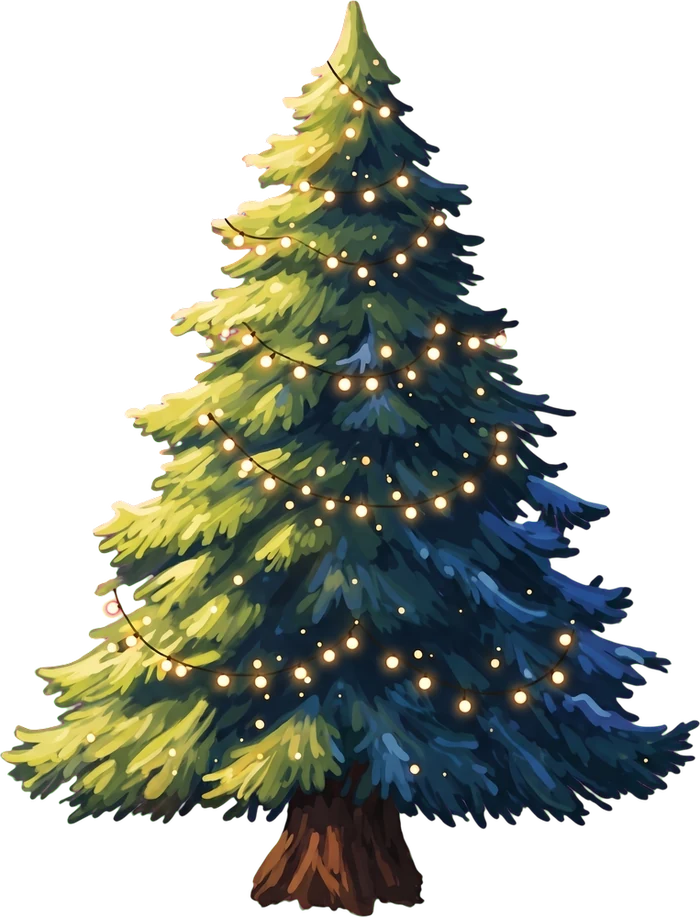
A storybook Christmas tree with glowing fairy lights. Hang your Advent finds on it, one by one.




Fir swags with baubles, pinecones and holly along your Dock, or strung round the whole screen, hugging the notch.
Santa hats perched on your windows' corners. Leave snow on a window for a while and icicles grow beneath it.



An ice arrow and knitted red mittens replace your pointers in every app. Your originals come back the moment you turn it off.

Hold ⌥ Option and sweep through a drift to roll a ball. Stack three and he gets a scarf, a carrot and a top hat.
At midnight on 1 January, gold, red and green bursts light up your desktop for a minute.
Every piece has its own switch in the menu bar, and sound has one too.
1 to 24 December
Each door holds a little keepsake. Set your finds out on a window top, or hang them on the tree. Missed a day? The door waits for you.
On this page you can peek behind every door. In the app, each one waits for its day.
Included
Painted winter scenes at 3840 × 2160. Set one with a click from the app, and put your old wallpaper back just as easily.
Cozy, never in the way
One price, no subscription
Signed and notarized by Apple. Downloaded straight from onmac.app.
Questions
No. With every effect switched on, OnMac uses well under 1% of the CPU on an M4 MacBook, and it rests completely when nothing is falling or the screen is hidden.
Never. The snow lives on a see-through layer that lets every click pass through to your apps, never takes keyboard focus, and stays under your menus and the menu bar.
Yes. Every piece (settling, Santa, the plough, garland, hats, the tree, the pointer, sound) has its own switch in the menu bar, and the whole thing turns off with one click.
OnMac steps aside: it hides while you share your screen, pauses over full-screen apps and turns gentle with no sounds while your camera or microphone is in use.
Pay $10 once and your license key arrives by email. Each key works on 2 Macs, and you can move it to a new Mac whenever you like.
Winter is the first season. Spring, summer and autumn are on their way.
Any Mac with macOS 14 Sonoma or later, Apple silicon or Intel.